
Seamless Integration
Procedente igitur mox tempore cum adventicium nihil inveniretur, relicta ora maritima in Lycaoniam adnexam Isauriae se contulerunt ibique densis intersaepientes itinera praetenturis provincialium et viatorum opibus pascebantur.

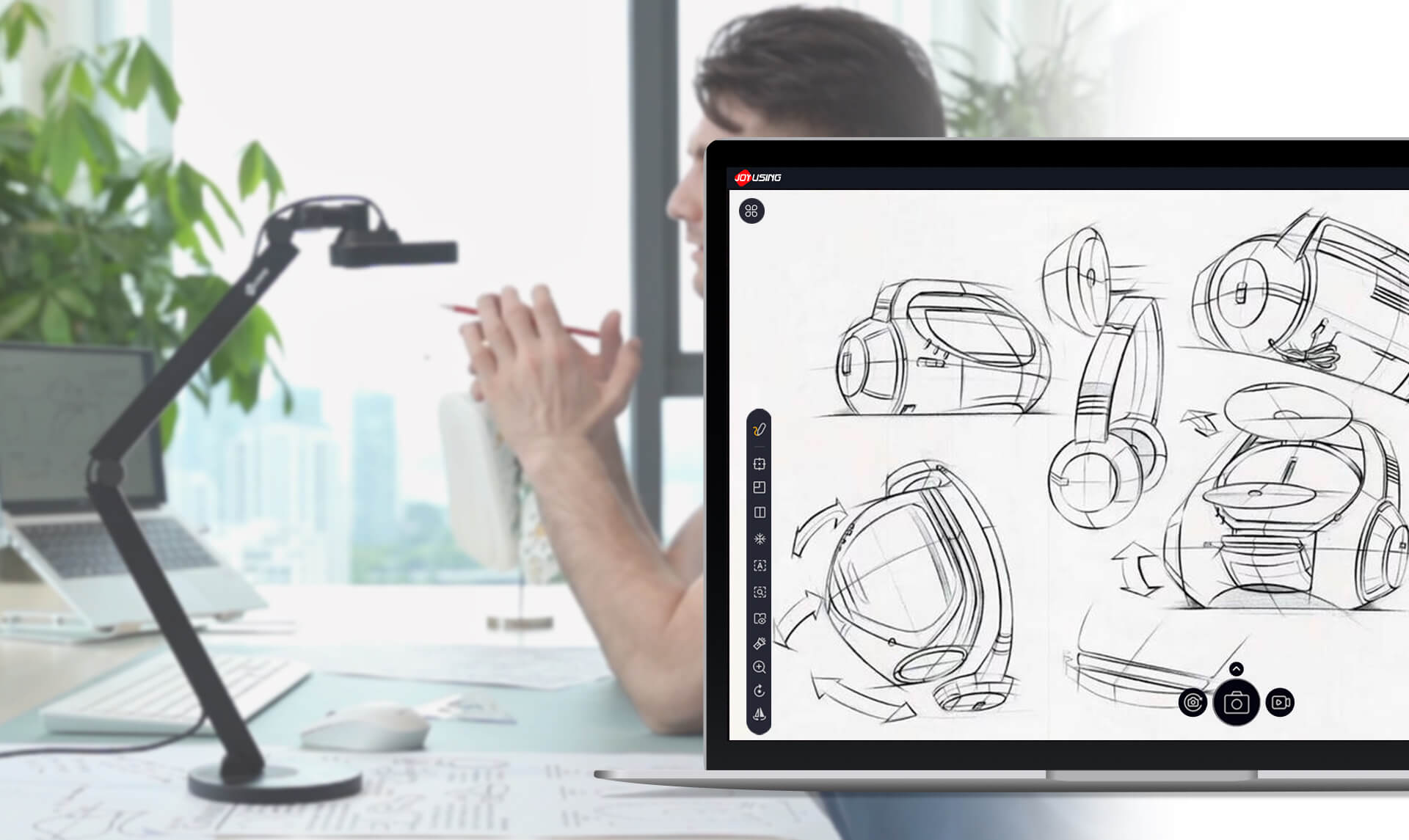
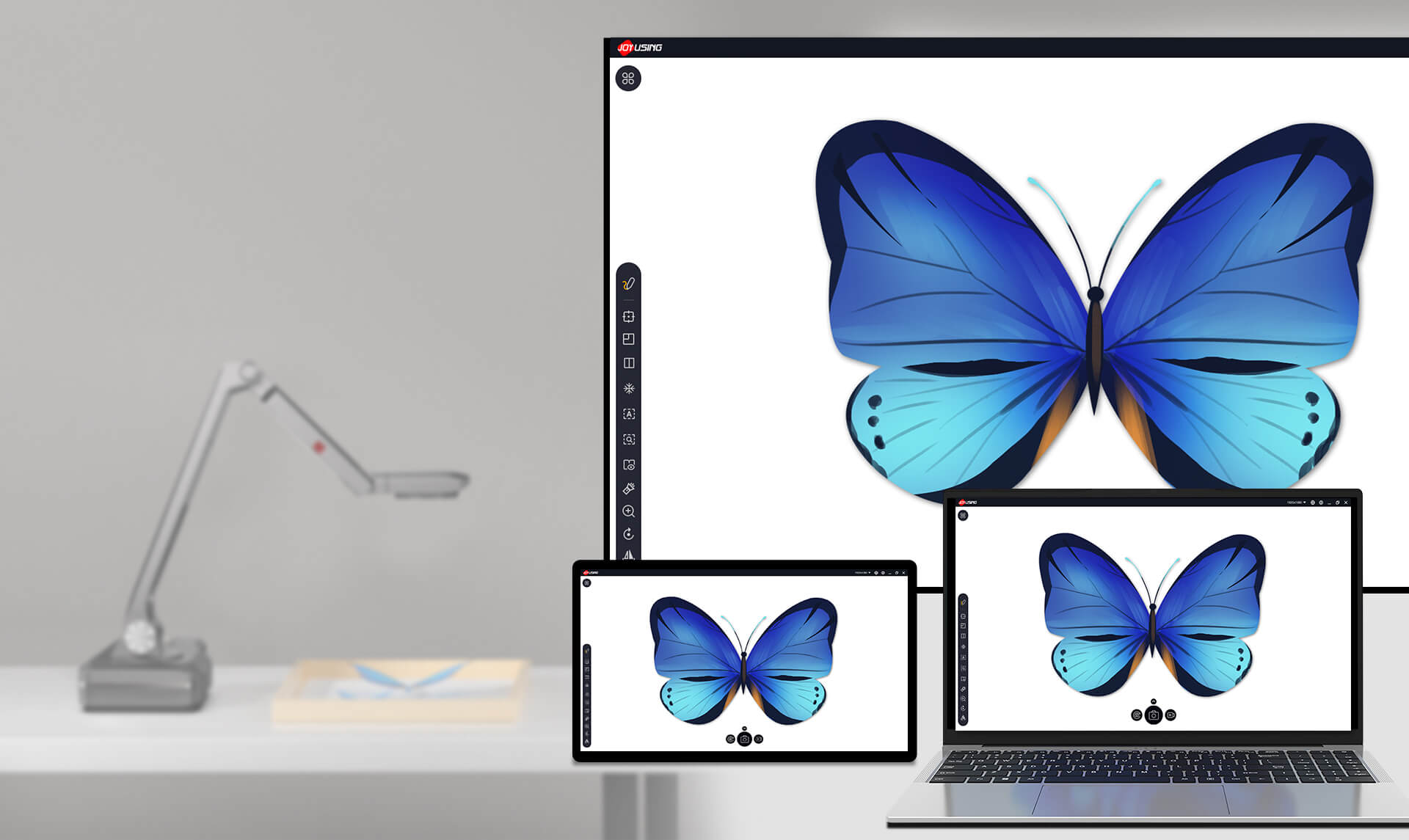
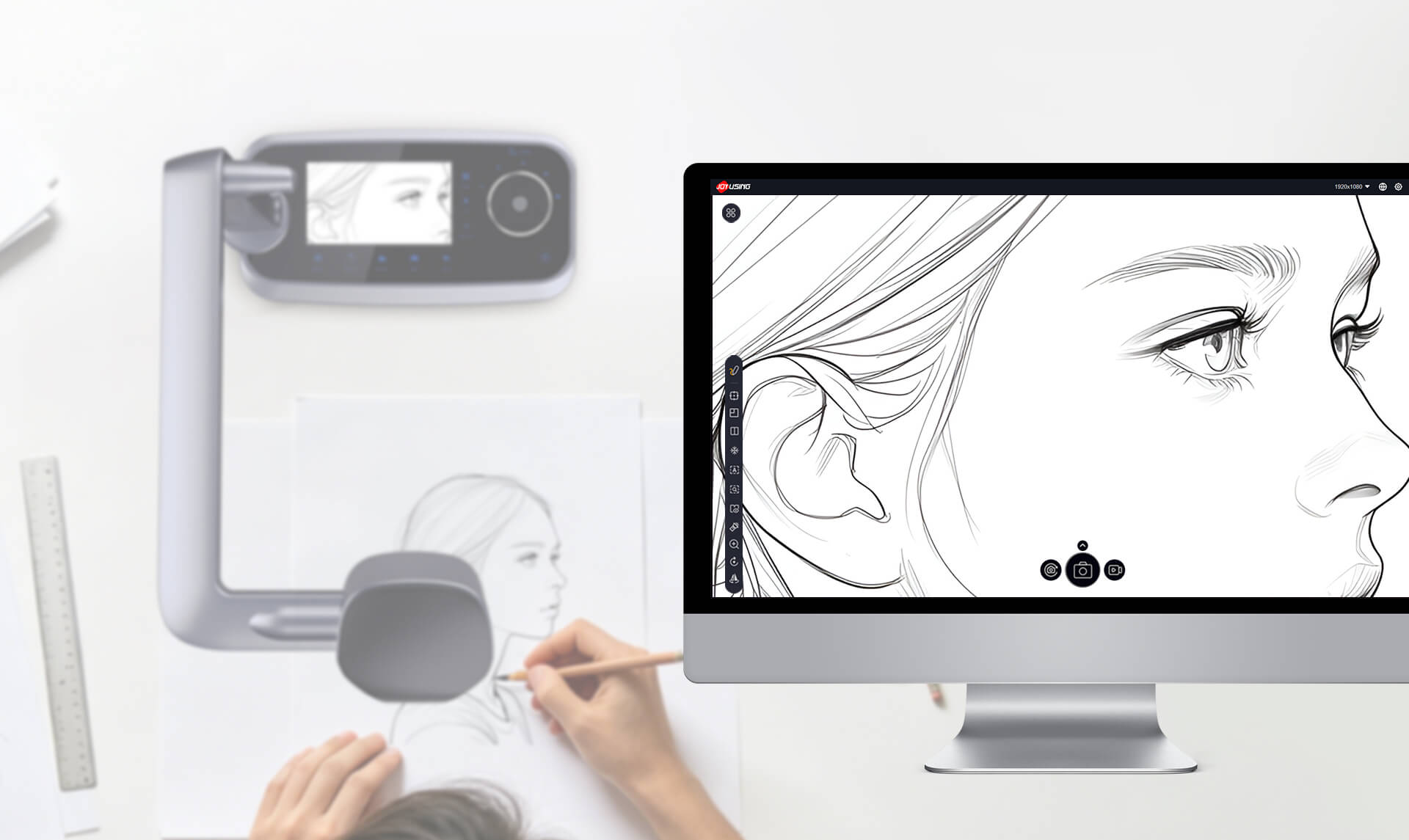
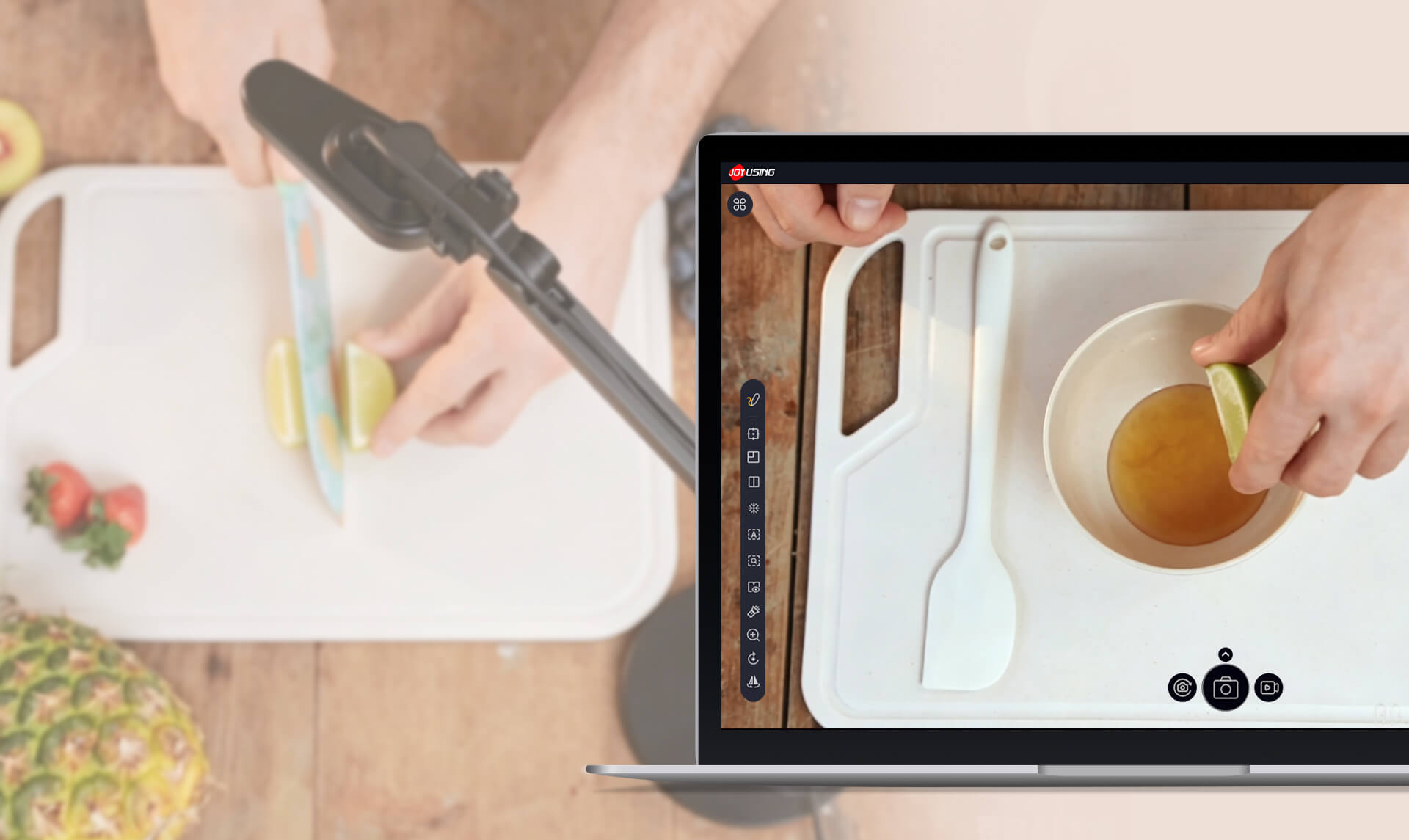
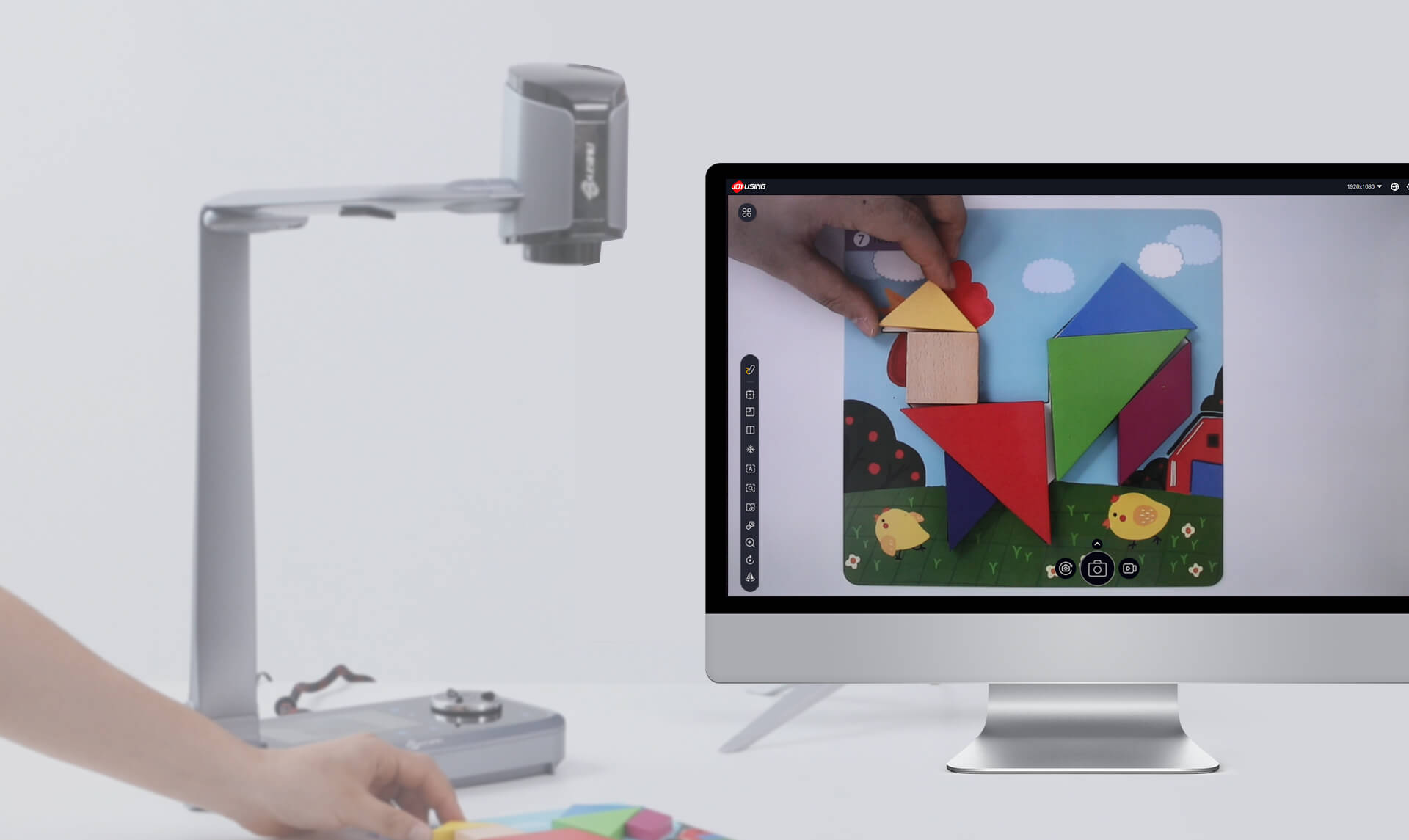
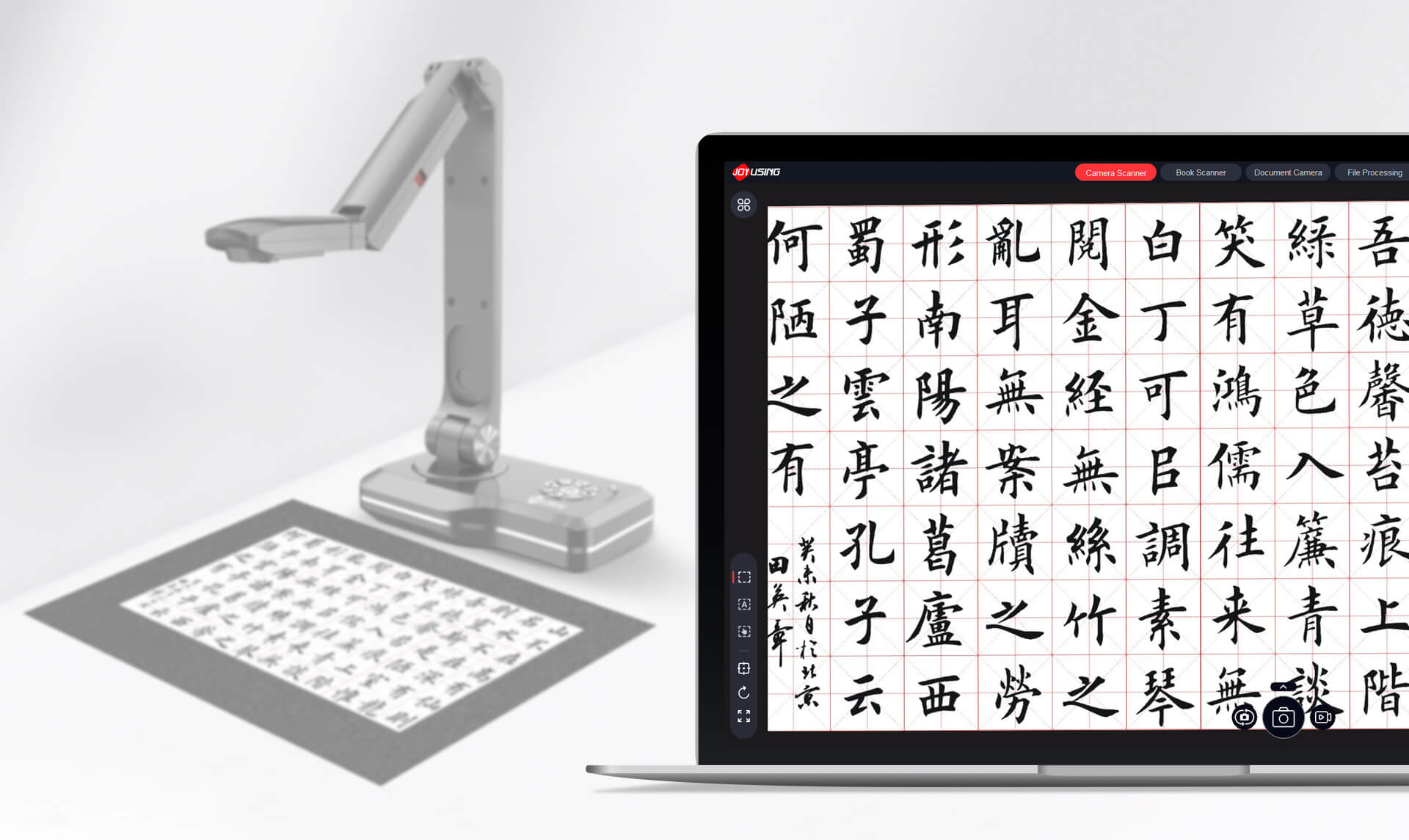
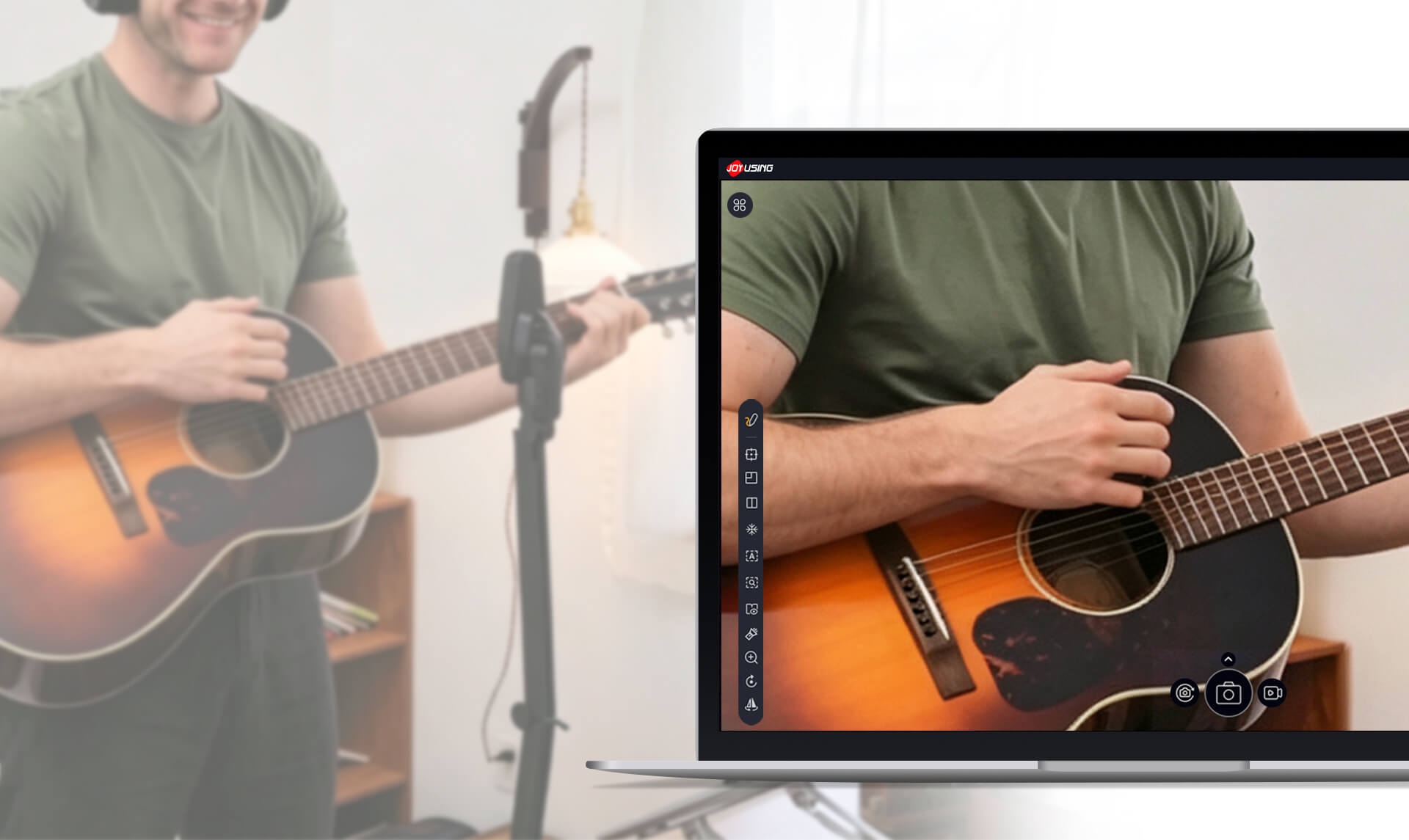
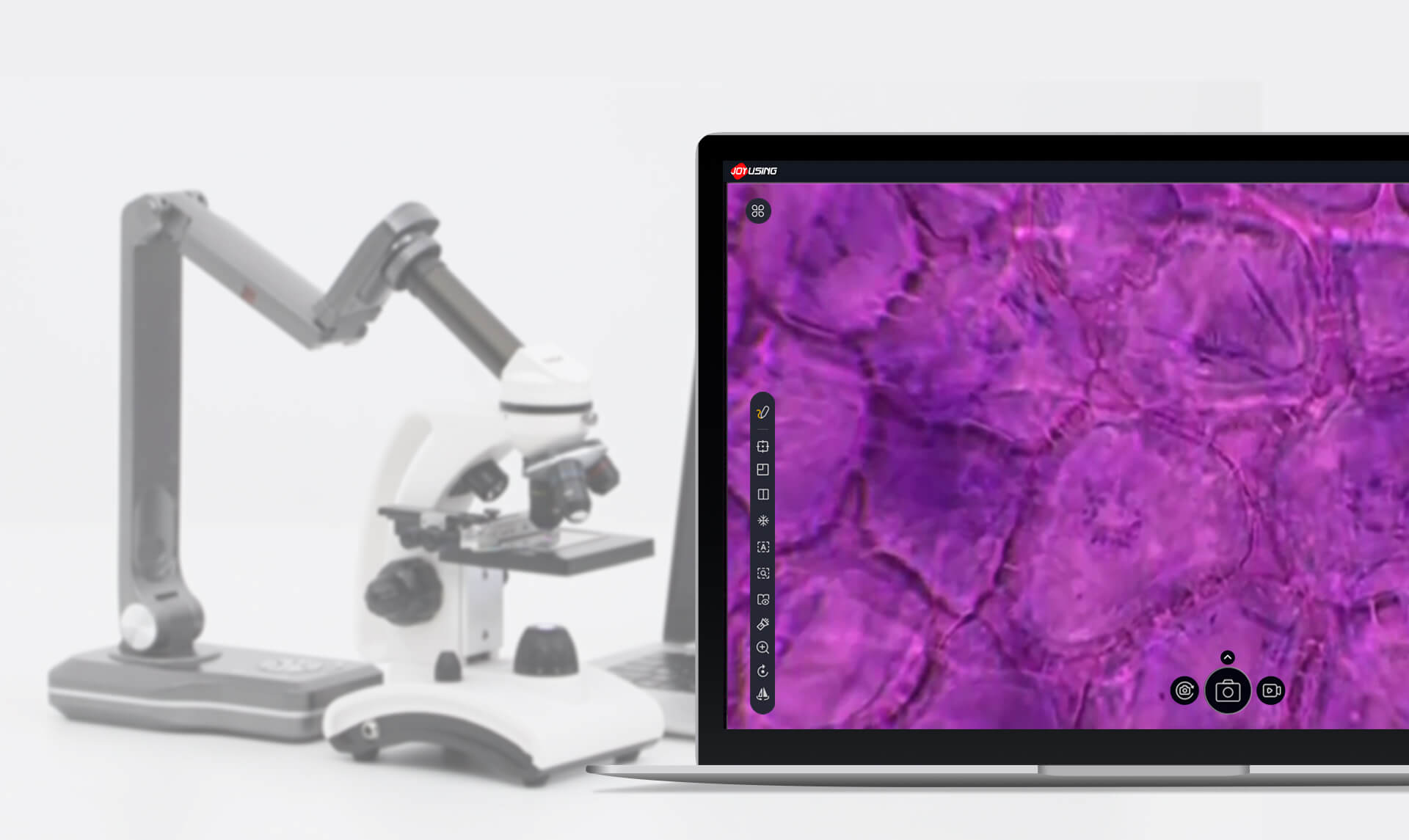
Check out some of the new/recommended features of the software.
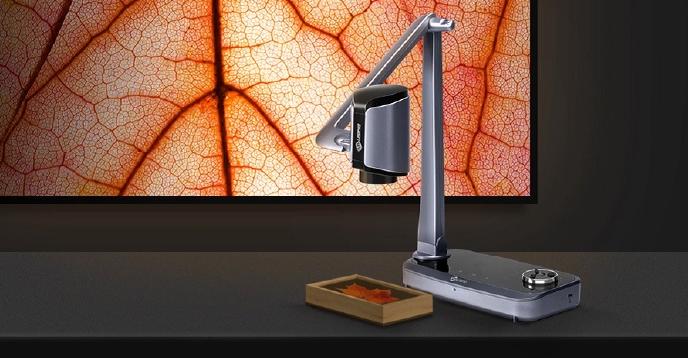
Procedente igitur mox tempore cum adventicium nihil inveniretur, relicta ora maritima in Lycaoniam adnexam Isauriae se contulerunt ibique densis intersaepientes itinera praetenturis provincialium et viatorum opibus pascebantur.
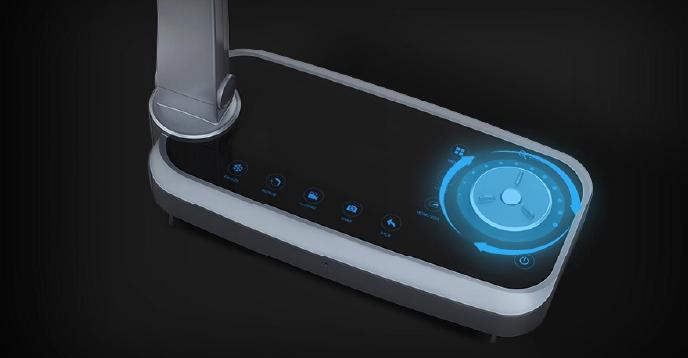
Procedente igitur mox tempore cum adventicium nihil inveniretur, relicta ora maritima in Lycaoniam adnexam Isauriae se contulerunt ibique densis intersaepientes itinera praetenturis provincialium et viatorum opibus pascebantur.
Procedente igitur mox tempore cum adventicium nihil inveniretur, relicta ora maritima in Lycaoniam adnexam Isauriae se contulerunt ibique densis intersaepientes itinera praetenturis provincialium et viatorum opibus pascebantur.
Procedente igitur mox tempore cum adventicium nihil inveniretur, relicta ora maritima in Lycaoniam adnexam Isauriae se contulerunt ibique densis intersaepientes itinera praetenturis provincialium et viatorum opibus pascebantur.
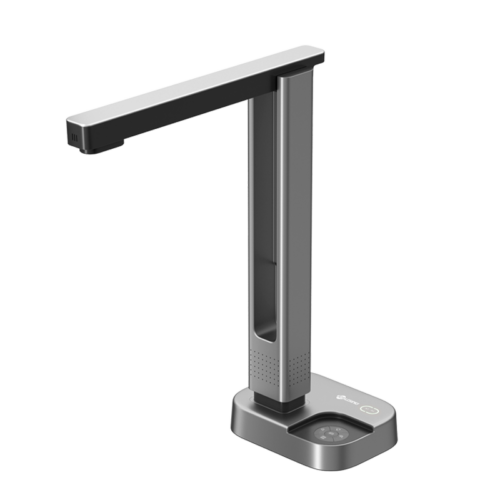
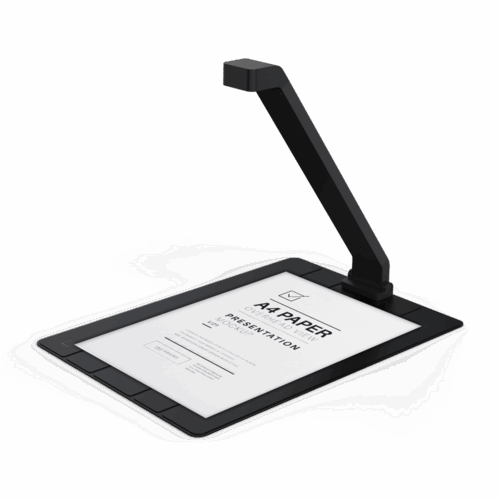
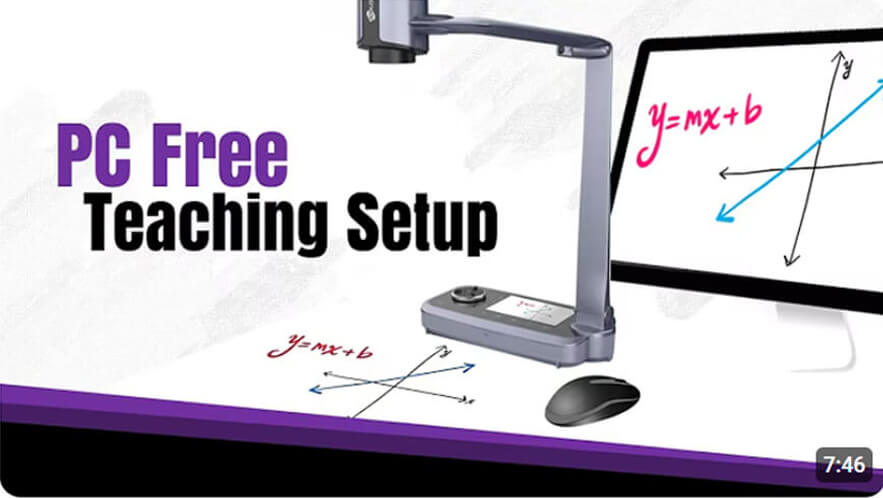
Joyusing visualizer is a software for document camera. It is compatible with Mac, Windows. Moreover, it features PC Free software enable your display more immersive. Just direct HDMI/VAG projection to a TV, Monitor, or Projector with no computer required.
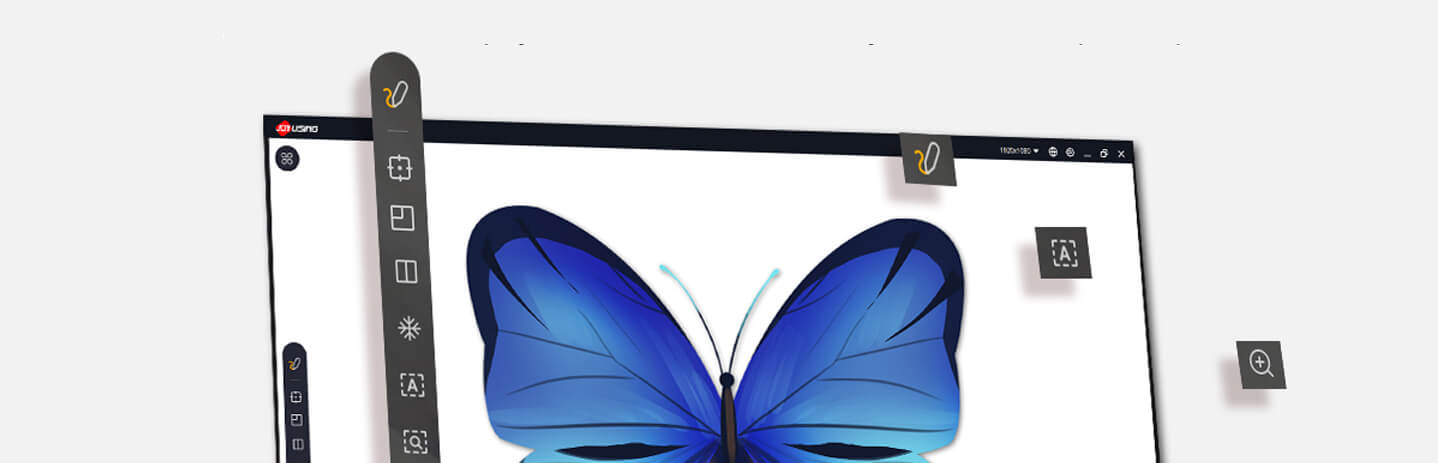

Use Annotation to draw, highlight, and write on your live image. It turns your document camera into a digital whiteboard for emphasizing key details during lessons.

Visualizer's zoom lets you magnify hard-to-read text and fine details. You can quickly zoom in to inspect small print or intricate visuals with clarity.

Use this to rotate the live image for a full 360-degree view. You can adjust the rotation angle continuously until the image is positioned exactly as needed.

Use Freeze to pause the live stream instantly. The current frame stays on screen until you unfreeze, allowing you to hold a specific image in place whenever needed.

Use this to mirror the image. Both horizontal and vertical flip options are available to achieve the desired reflection effect.

Use this spotlight mask to highlight a specific area while dimming the rest—perfect for focused reading on any document, and equally useful in teaching to draw students' attention to key points on screen.

Split Screen lets you connect two document cameras and present them side by side, with each feed in its own independently adjustable pane.
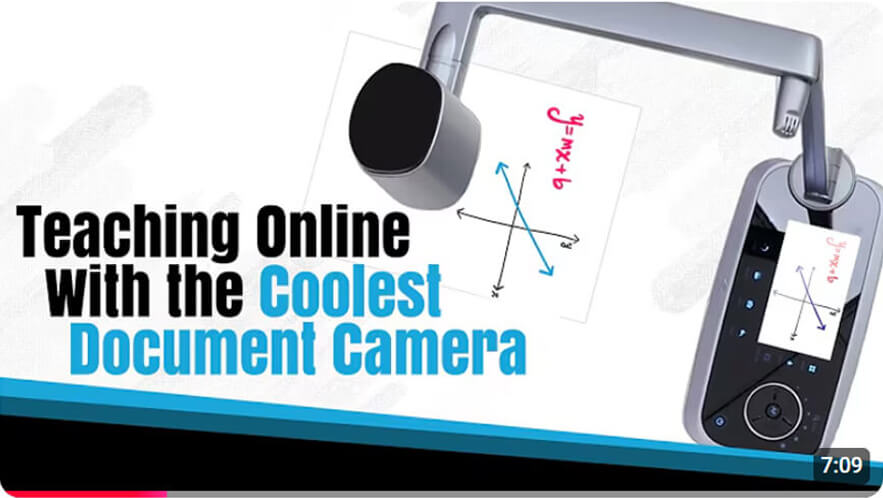
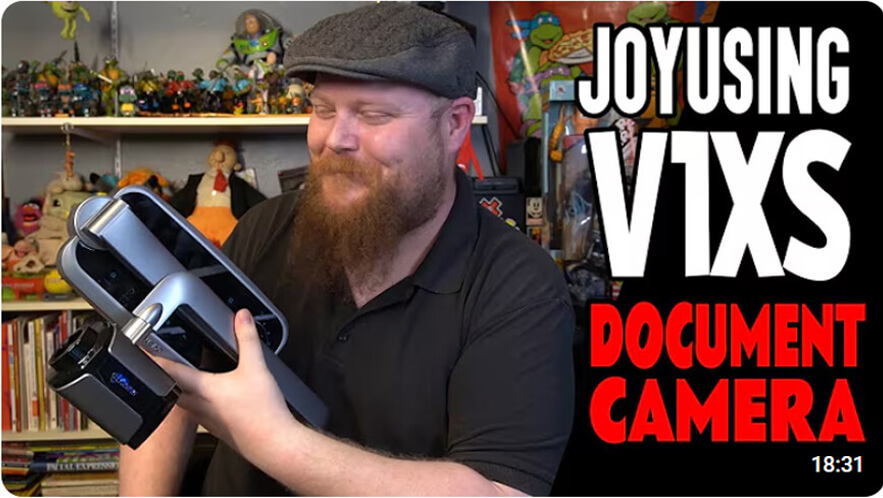
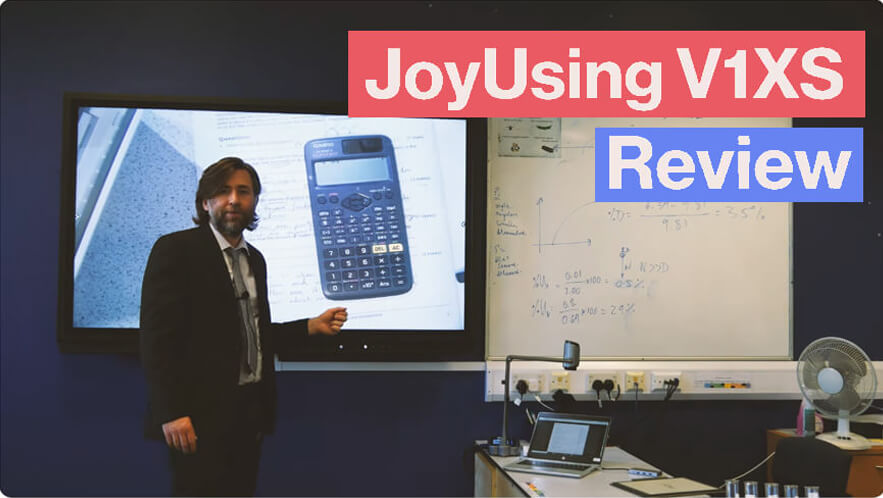
Our tutorials cover everything from the basics to advanced features.
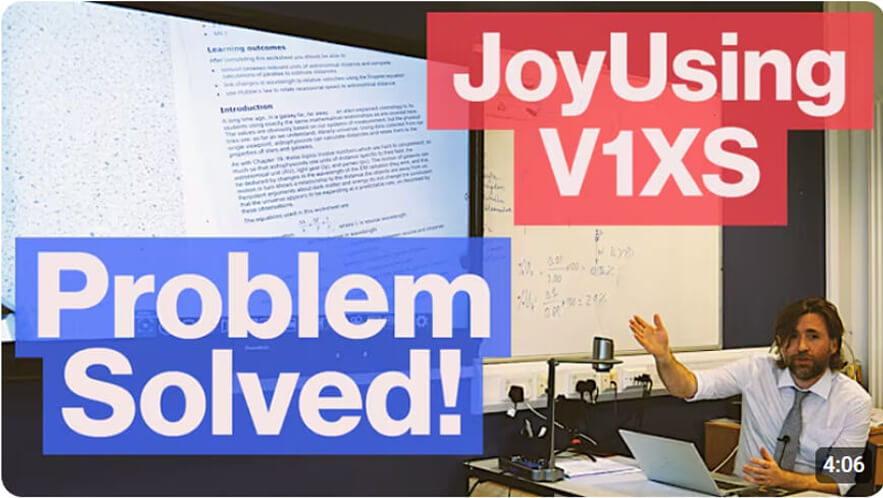
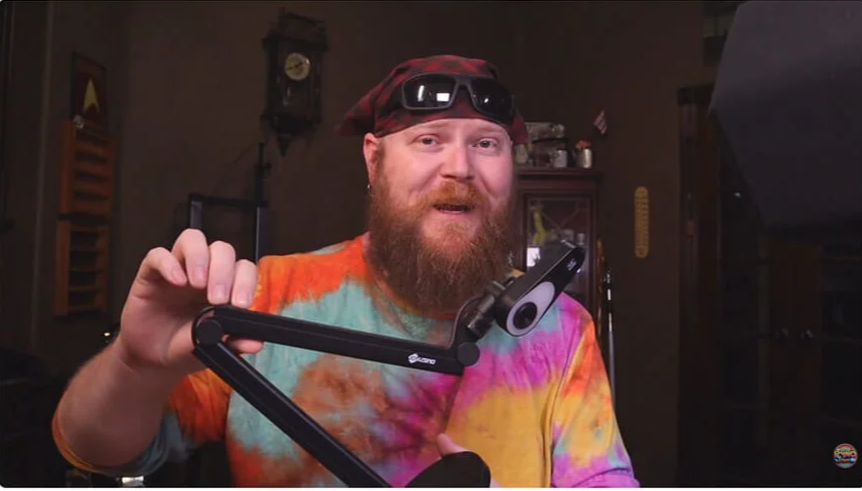
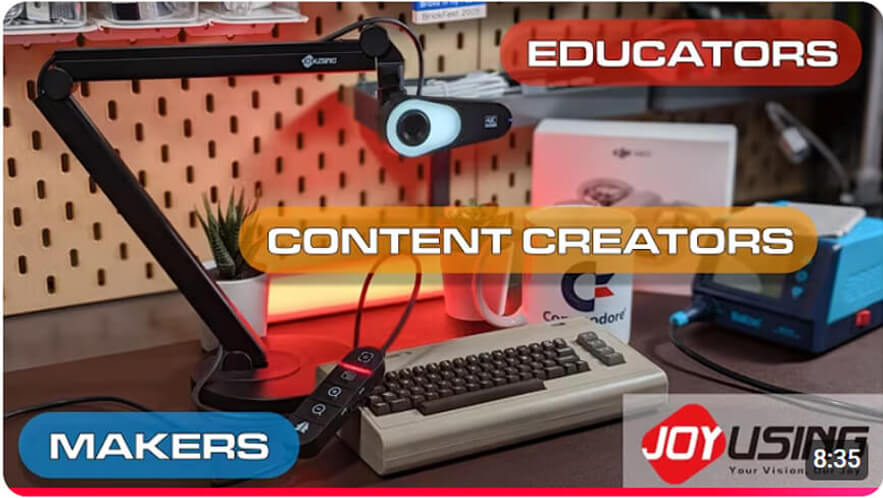
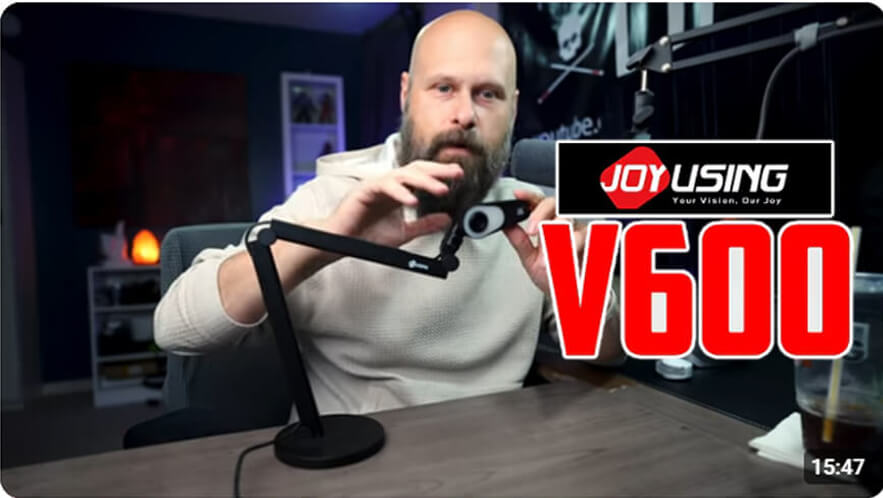
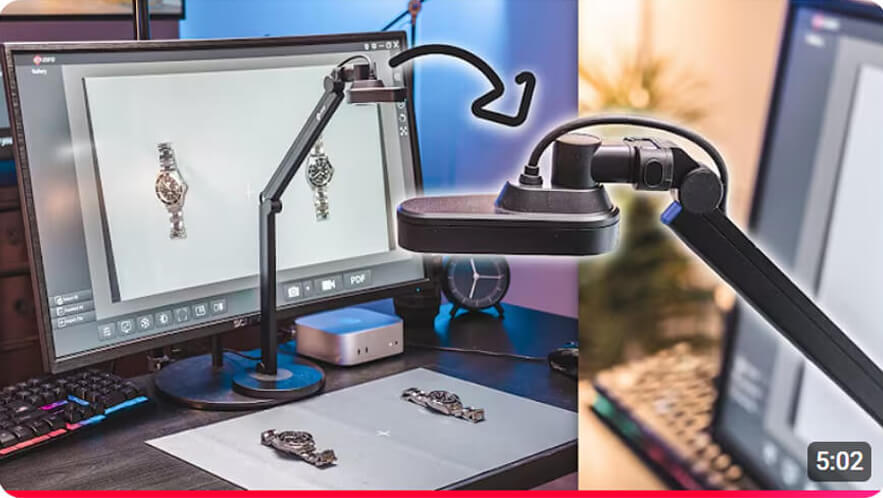
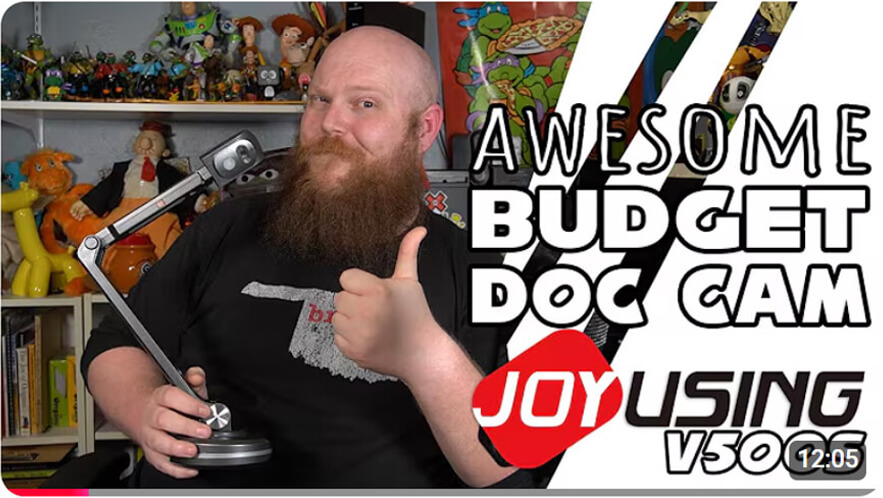
See how you can use Joyusing with the following products and software.
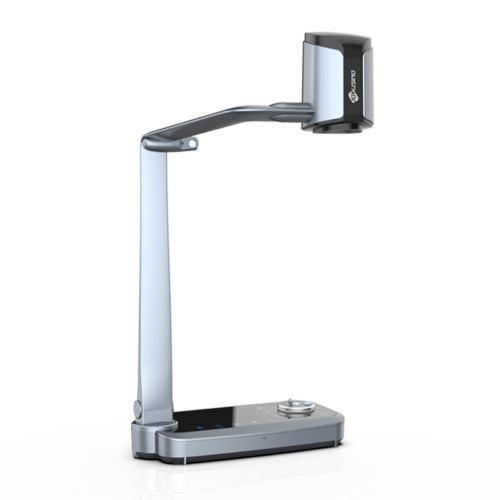
12X Optical Zoom Document Camera
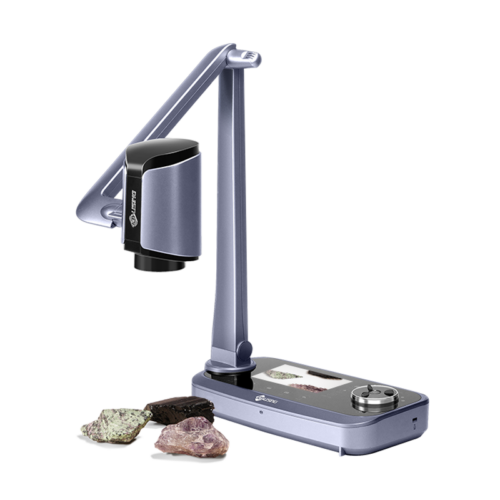
Optical Zoom Document Camera with 5" LCD Screen
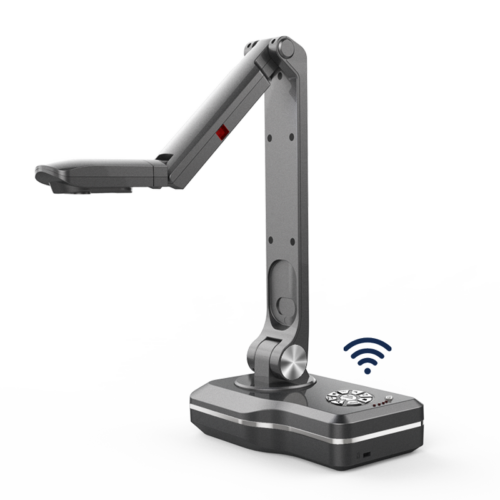
Wireless Document Camera
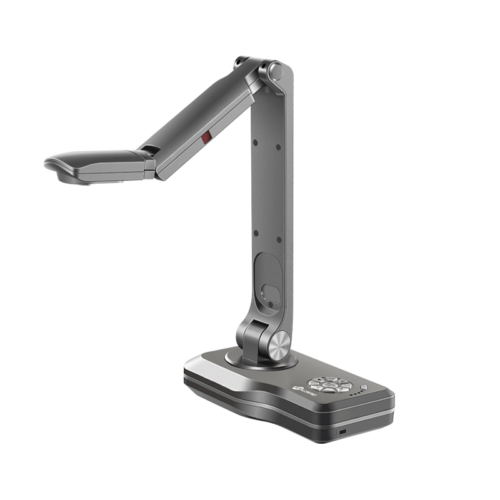
PC Free Document Camera
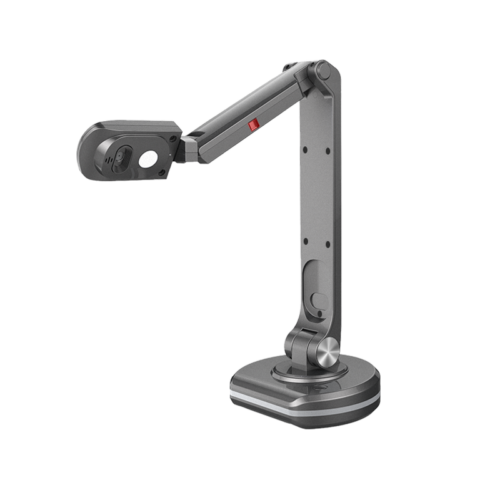
USB Document Camera
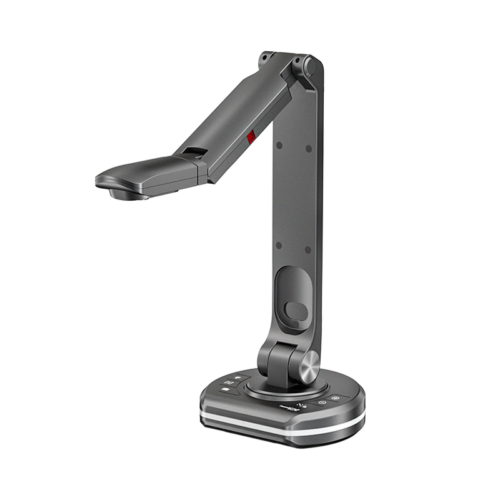
13.0MP 4K USB Document Camera
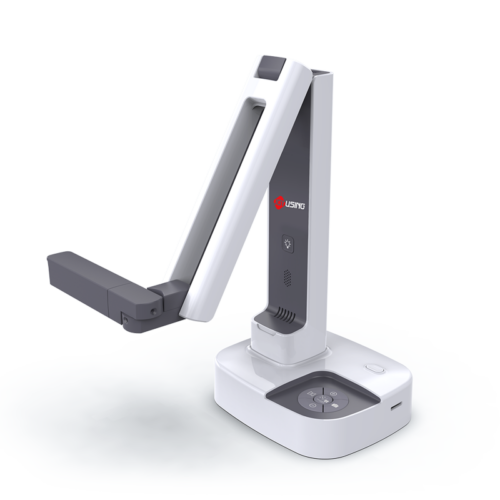
OCR Supporting 180+ Languages
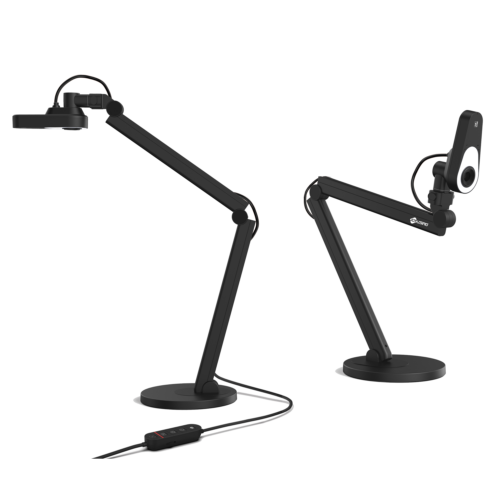
4K PDAF Document Camera

United States (English)

France (French)

Portugal (Portuguese)

Spain (Spanish)
No.20 Building, Haixi Innovation Science Park, Wulongjiang Central Avenue, High-tech District, Fuzhou, Fujian 350108, China.


